Machines & Attractions
A catalog of the machine and attraction families listed for Early Access, plus a buying framework that keeps old demo prices separate from launch values.
☷ Table of Contents
Confirmed attraction families
The Early Access store page advertises 28 distinct entertainment types. Confirmed examples include classic arcade cabinets, Pinball, Whack-A-Mole, Air Hockey, Basketball, Bowling, Go-Karts, racing/vehicle simulators and an 8D cinema. Steam’s current Early Access statement also explicitly mentions Atari-style cabinets, foosball, billiards, air hockey and bowling lanes as playable shop content.
Arcade Cabinets
Core compact machines used in the opening progression.
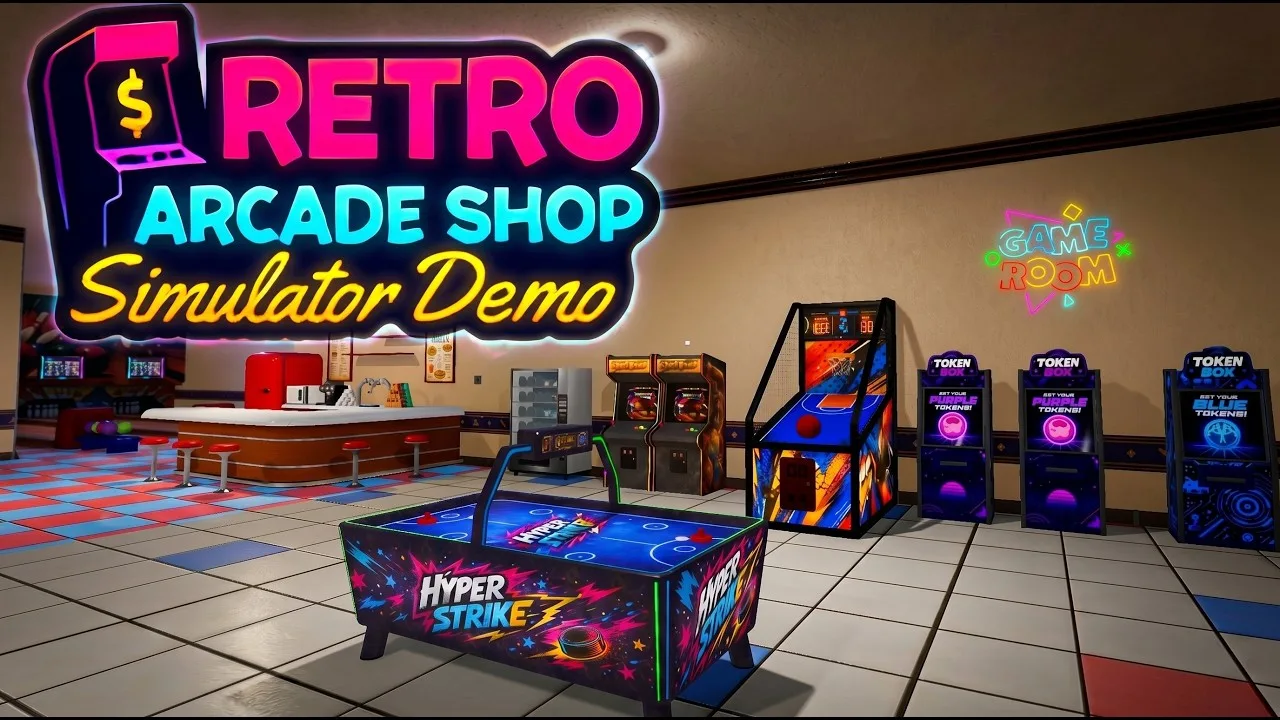
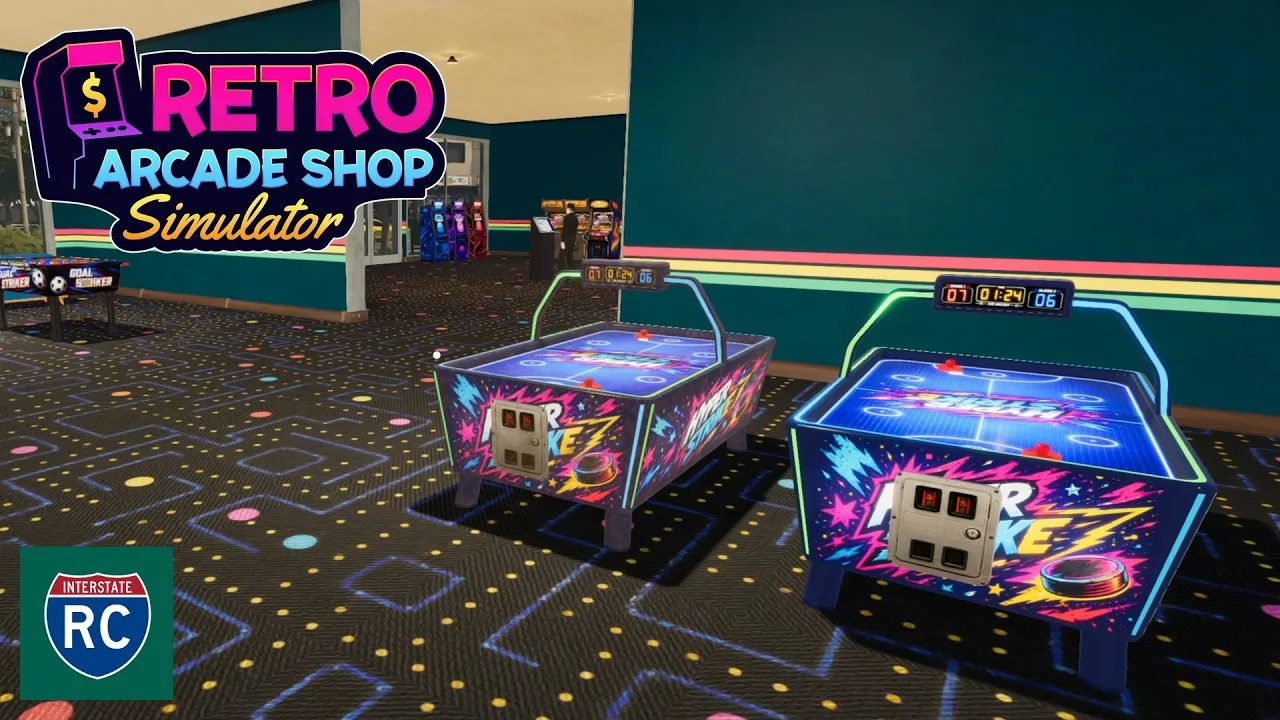
Air Hockey & Basketball
Sports-style attractions that appear early in demo progression.
Bowling
A larger dedicated attraction and a demonstrated hourly-income test in the demo.
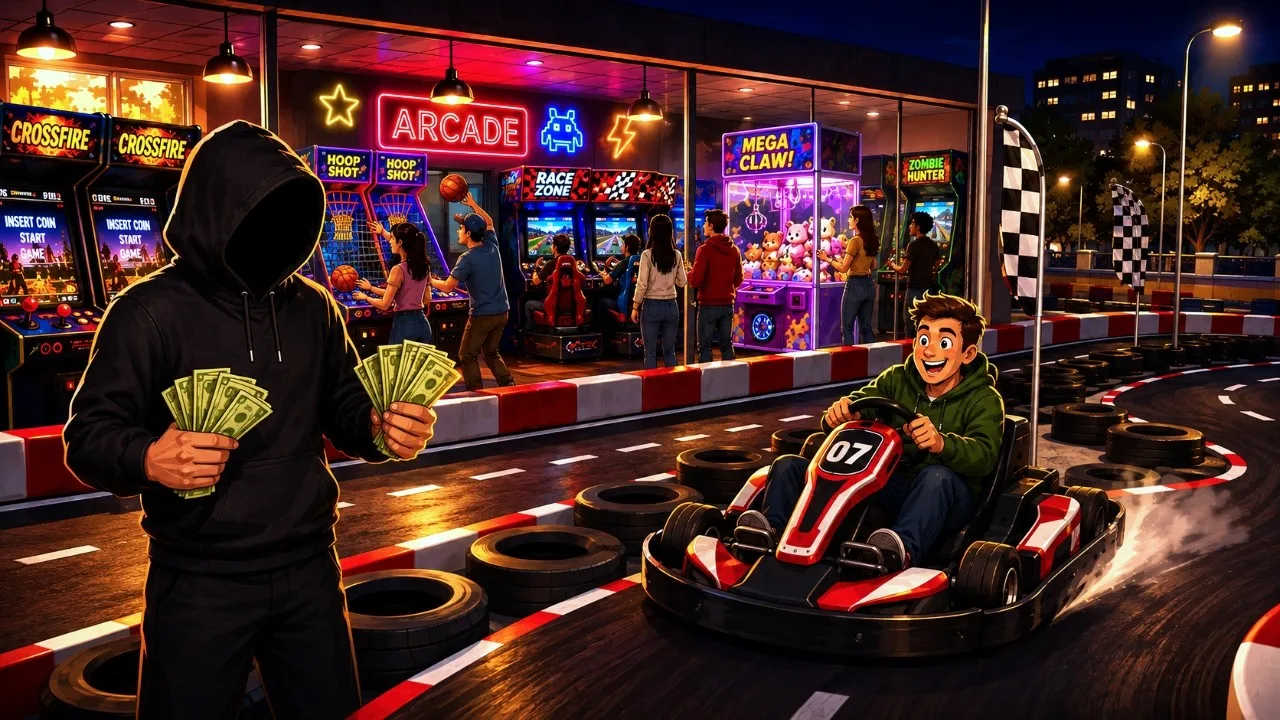
Go-Kart
Large-scale attraction featured in later progression footage.
Driving Simulators
Car, motorcycle and other simulator families expand the arcade beyond cabinets.
Premium Attractions
Pinball, claw-style machines, cinema and other categories broaden the late venue mix.
What the demo proved
The demo officially exposes six attraction types across its first progression slice, including arcade machines, Air Hockey, Basketball, Car/Motorcycle simulators and Bowling. That helps show the mechanics and layout, but it is not the full Early Access catalog.
What to buy first
Do not use a fabricated “best profit per machine” ranking. On launch day, a safer buying framework is:
- Buy what your current room can fit and service easily.
- Maintain token supply for the machines you already own.
- Add variety when customer flow is stable.
- Save large-footprint attractions for rooms that can support them cleanly.
- Compare current-build income in your own dashboard before declaring one machine “best.”
Large attractions
Bowling and Go-Kart content should be planned as room-scale projects, not as another cabinet card. Expansion videos show how much layout changes once the venue moves into these attractions.
Roadmap vs current content
Steam Community’s full-release roadmap lists additional systems and content beyond Early Access. Roadmap items should not be mixed into a current machine table as if they are already playable now.
Update 11.09.2026 — magazines and action games now sell
Two customer-purchase bugs were fixed in the September 11 update, and both were silently costing revenue:
- Customers would not buy Technology Magazines.
- Customers would not buy Action Games.
A separate fix addressed an error when ordering multiple items in the Cargo Area, and environment texture quality was improved.
If you built an early layout around magazine racks or action-game cabinets and saw them sit untouched, that was the bug — re-check those placements in the current build rather than concluding the product category is weak.
Update 02.10.2026 — vending machine fixes and visuals
- Fixed the plank issue in vending machine slots — a visual glitch where a plank could block the slot display.
- Vending machines can now take Price Tags and be filled by Restocker Employees (see the pricing and staff guides).
- Game CD, Magazine and Snack visuals were updated, with snack prices adjusted.
Matched gameplay images