Rooms & Expansion
How to think about expansion from the demo’s first rooms to the up-to-10-room scope listed for Early Access, including layout priorities and when more floor space is useful.
☷ Table of Contents
Demo vs Early Access room scope
The demo describes progression through the first four levels with up to three rooms. The Early Access store page expands the current scope to 10 distinct rooms. That makes room planning an ongoing progression system rather than a one-time “buy the back room” upgrade.
When to buy more space
Expand when the current floor is constraining a real task: poor customer flow, no room for a required attraction, crowded maintenance routes, or a need to separate food/service areas from machines. Empty space by itself does not earn anything.
Layout zones
A scalable floor plan usually benefits from zones:
- compact starter cabinets near the core traffic path;
- token boxes positioned close to the machines that use them;
- a checkout area that does not block the entrance;
- food/vending placed where queues will not cut across machine aisles;
- service/maintenance routes that let you reach broken machines quickly.
Walls, floors and lighting
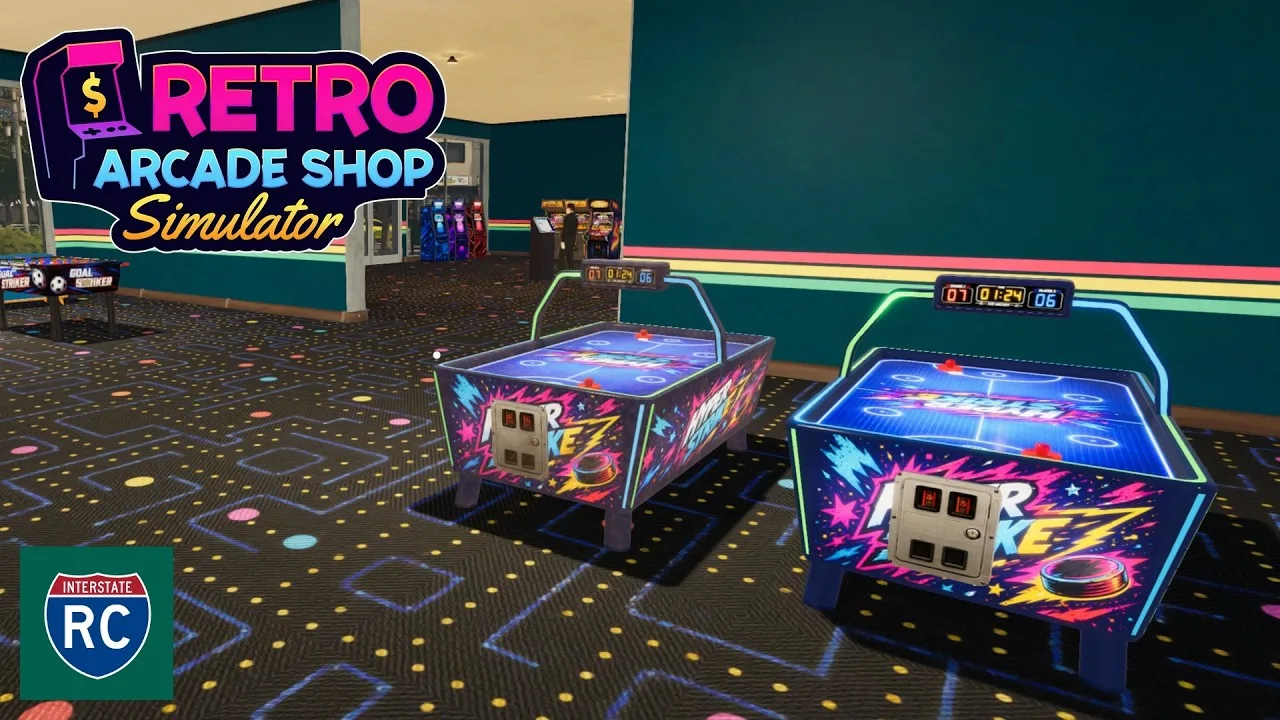
Customization is part of the actual game loop. The current store description lists 26 wall textures and 17 floor types, plus custom lighting, posters, neon signs and plants. The early tutorial also introduces room wallpaper through the Company app.
Planning for large attractions
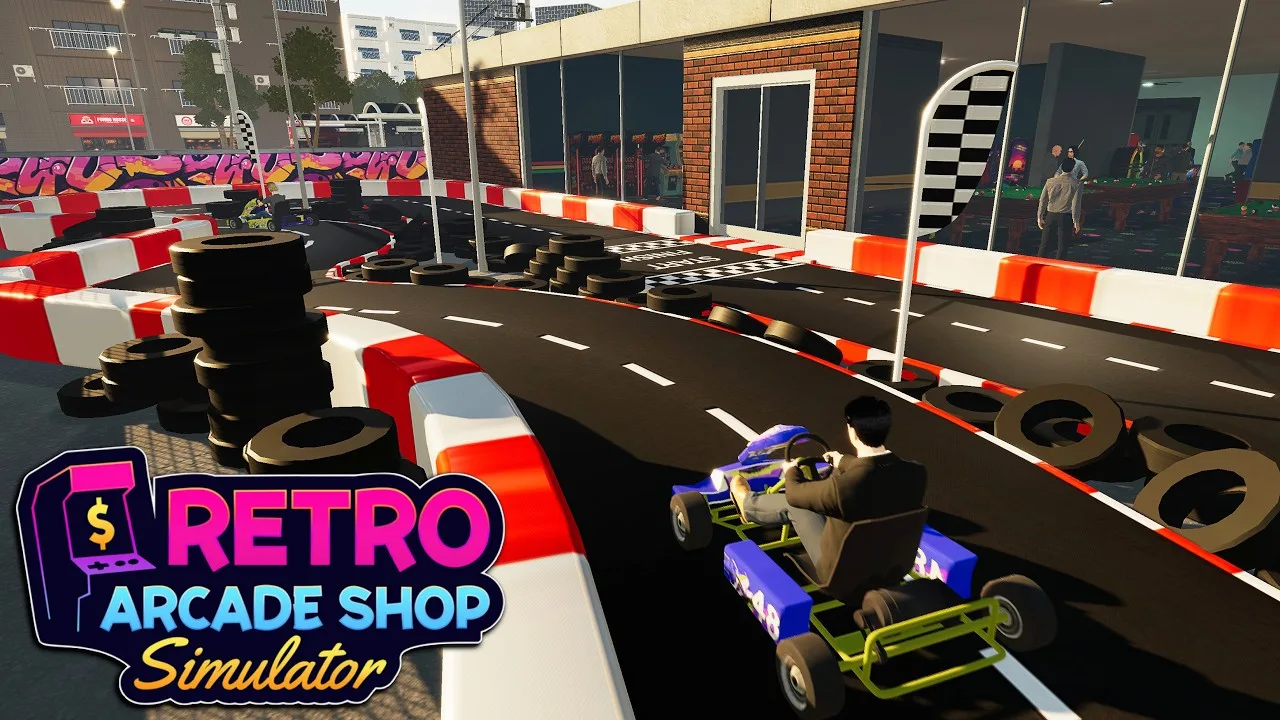
Bowling, go-karts and larger simulators need more than a cabinet-sized footprint. Leave expansion flexibility instead of filling every newly unlocked room with small objects the moment you buy it.
Update 02.10.2026 — Storage Room Shelf Tags
Storage Room Shelf Tags let you choose which item is stored on each shelf. This closes the messiest gap in early layouts: instead of a storage room that fills with whatever arrives, you designate shelves so that restocking routes stay short and the item you need is always where it belongs. Pair it with the Restocker Employees from the same patch (see the staff guide) — a tagged storage shelf is what makes automated restocking actually work.
Matched gameplay images