
Tips & Tricks
Fifteen practical operating habits for the early arcade, with version-sensitive numbers intentionally left out.

Open the image to view the original gameplay video.
☷ Table of Contents
Opening-day tips
- Clean the starting room before filling it with objects.
- Learn the tool wheel immediately: broom, token scoop and both repair tools matter later.
- Keep the checkout counter easy to approach from both the entrance and machine floor.
- Do not ignore token stock while chasing new unlocks.
- Use the dashboard’s recommended pricing as a baseline, not a permanent “best” answer.
Reduce walking
- Group related machines so one token/repair lap covers several at once.
- Put matching token boxes close to the machines that use them.
- Keep food-service queues out of the main arcade aisle.
- Leave service access around large attractions.
- When you enter a room, combine cleaning, token collection and repair checks in one pass.
Protect cash flow
- Do not spend down to zero simply because a new machine unlocked.
- A broken machine is dead investment until repaired.
- Use loans for expansions with a reason—not to finance random floor filling.
Automate bottlenecks
- Hire the role that removes your current worst interruption: checkout, food, repairs, cleaning or token collection.
Expand deliberately
- Buy a new room because it solves a space/layout problem or unlocks a plan. The Early Access game supports 10 rooms, but owning empty floor is not the same as running a profitable arcade.
Update 11.09.2026 — Toggle Sprint and motion blur
Two quality-of-life settings landed across the September patches, and both are worth turning on in your first session:
- Toggle Sprint (11.09.2026) — sprint without holding the sprint key. Long walks between the arcade floor, Cargo Area and cafeteria are a large share of this game’s traversal time.
- Option to turn off motion blur (09.09.2026) — relevant if you are reading machine labels and price panels while moving.
The 09.09 hotfix also lowered the Repairman requirement to level 5, so repair automation comes online earlier than it did in launch week.
Update 02.10.2026 — quality-of-life fixes
- FOV maximum increased to 120 — useful for seeing a whole room of vending machines and shelf rows at once.
- A save-file loading bug was fixed (save files could fail to be read correctly when loading).
- The developer lists Auto Save and a Hot Bar (carry multiple items at once) as the next upcoming features.
Matched gameplay images
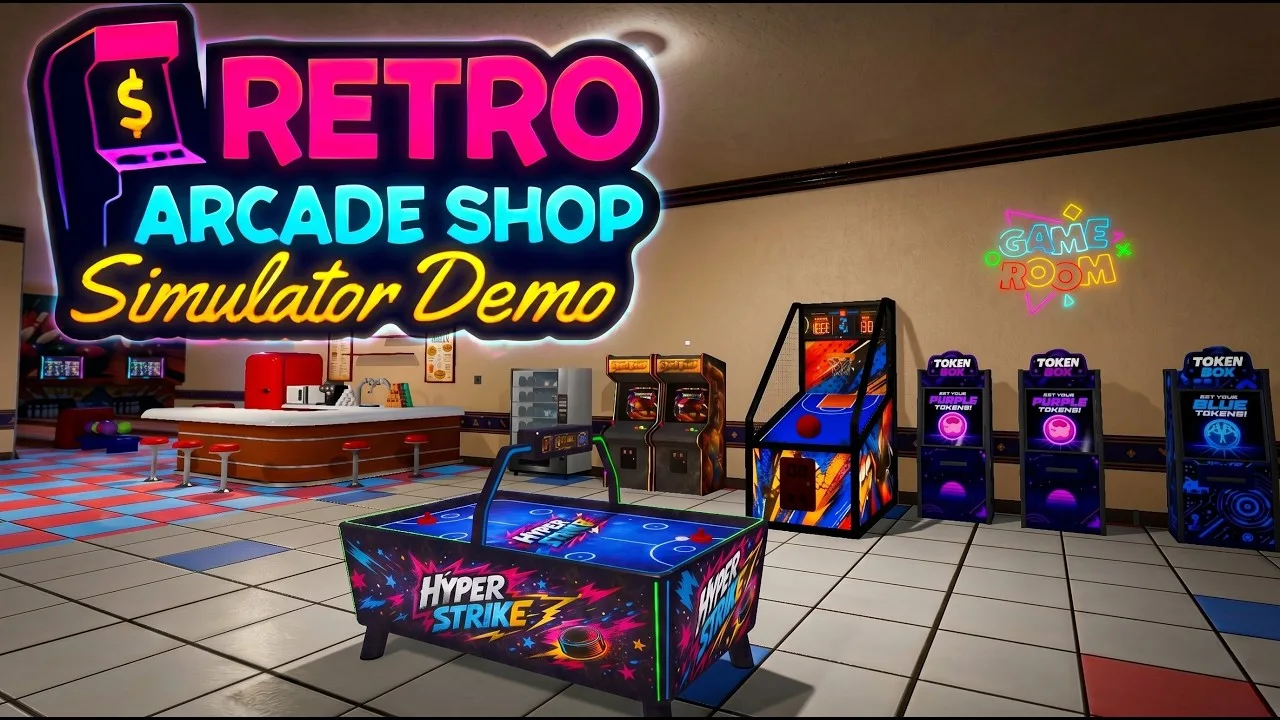
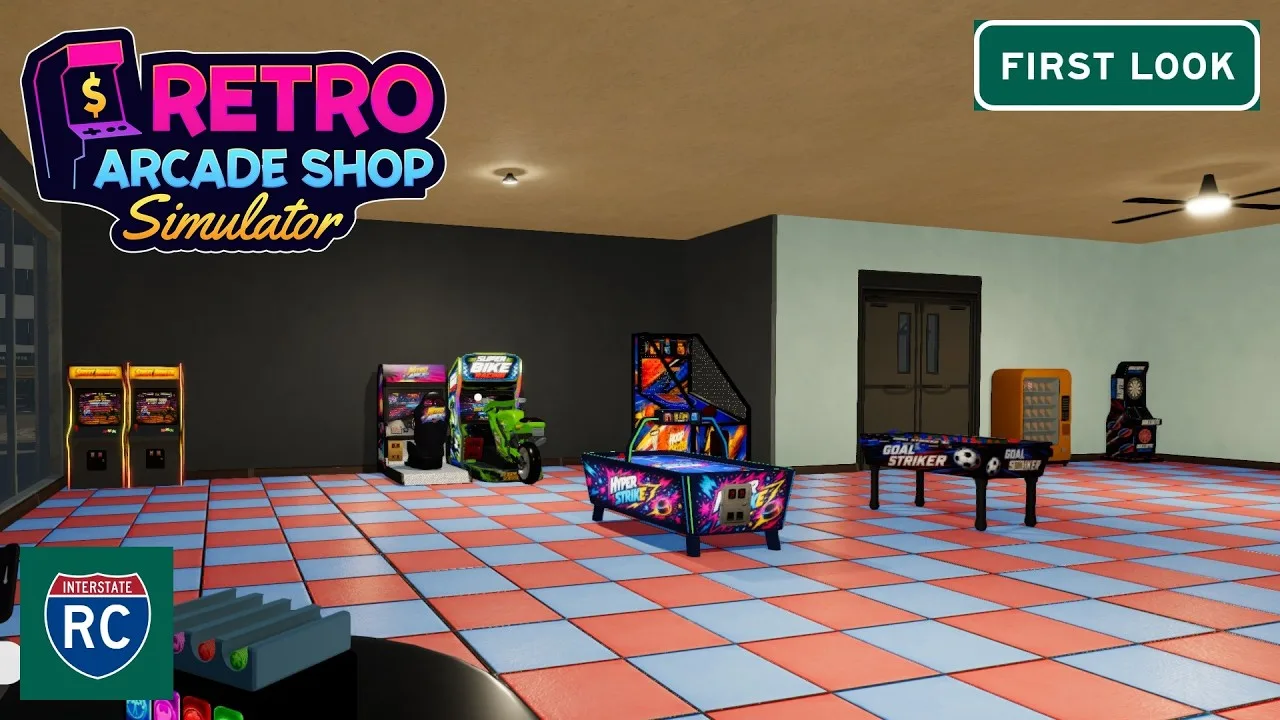
Version note: this guide keeps Steam-listed launch features separate from demo and preview footage. Exact prices, unlock levels, and balance values can change between builds.